---
title: Creating Rooms of the Connect Series system
description: In order to control your devices, you must first create a room, and then add your device in that room. From the app home page, select the + symbol at the top right. Repeat this process for any
---
[Skip to content](https://support.lightwaverf.com/knowledge-base/creating-rooms#main-content)
Open main navigation
Close main navigation
How can we help you?
- There are no suggestions because the search field is empty.
1. [Help Center](https://support.lightwaverf.com/knowledge-base?hsLang=en)
2. [Connect Series Support Archive](https://support.lightwaverf.com/knowledge-base/connect-series-support-archive?hsLang=en)
- [Getting Started - What you need to know](https://support.lightwaverf.com/knowledge-base/getting-started-what-you-need-to-know?hsLang=en#main-content)
- [Getting started on the Lightwave App](https://support.lightwaverf.com/knowledge-base/getting-started-what-you-need-to-know?hsLang=en#getting-started-on-the-lightwave-app)
- [Lighting](https://support.lightwaverf.com/knowledge-base/getting-started-what-you-need-to-know?hsLang=en#lighting)
- [Heating](https://support.lightwaverf.com/knowledge-base/getting-started-what-you-need-to-know?hsLang=en#heating)
- [Third Party Integrations](https://support.lightwaverf.com/knowledge-base/getting-started-what-you-need-to-know?hsLang=en#third-party-integrations)
- [General](https://support.lightwaverf.com/knowledge-base/getting-started-what-you-need-to-know?hsLang=en#general)
- [App Guidance & Automations](https://support.lightwaverf.com/knowledge-base/app-guidance-automations?hsLang=en#main-content)
- [My Account](https://support.lightwaverf.com/knowledge-base/app-guidance-automations?hsLang=en#my-account)
- [App Guidance](https://support.lightwaverf.com/knowledge-base/app-guidance-automations?hsLang=en#app-guidance)
- [Automations](https://support.lightwaverf.com/knowledge-base/app-guidance-automations?hsLang=en#automations)
- [Troubleshooting](https://support.lightwaverf.com/knowledge-base/troubleshooting?hsLang=en#main-content)
- [General](https://support.lightwaverf.com/knowledge-base/troubleshooting?hsLang=en#general)
- [Lighting](https://support.lightwaverf.com/knowledge-base/troubleshooting?hsLang=en#lighting)
- [Heating](https://support.lightwaverf.com/knowledge-base/troubleshooting?hsLang=en#heating)
- [Power](https://support.lightwaverf.com/knowledge-base/troubleshooting?hsLang=en#power)
- [Automations & Hub](https://support.lightwaverf.com/knowledge-base/troubleshooting?hsLang=en#automations-hub)
- [Installation Guides](https://support.lightwaverf.com/knowledge-base/installation-guides?hsLang=en)
- [Connect Series Support Archive](https://support.lightwaverf.com/knowledge-base/connect-series-support-archive?hsLang=en)
- [Contact Us](https://support.lightwaverf.com/knowledge-base/contact-us?hsLang=en#main-content)
- [Product Returns](https://support.lightwaverf.com/knowledge-base/contact-us?hsLang=en#product-returns)
- [Contact Us](https://support.lightwaverf.com/knowledge-base/contact-us?hsLang=en#contact-us)
# Creating Rooms of the Connect Series system
In order to control your devices, you must first create a room, and then add your device in that room.
From the app home page, select the **+** symbol at the top right.
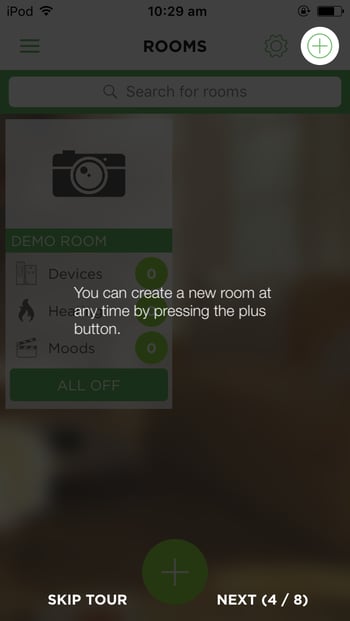
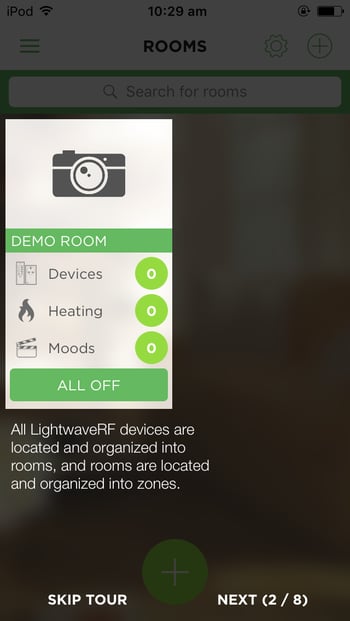
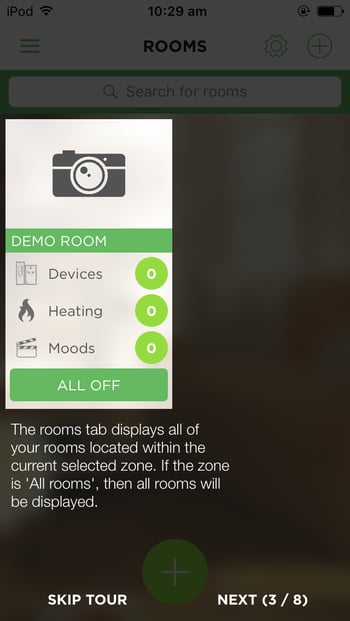
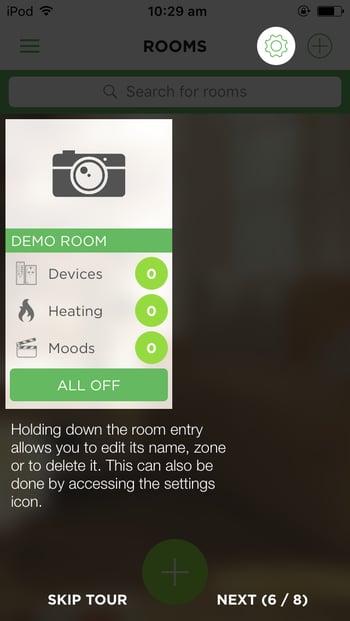
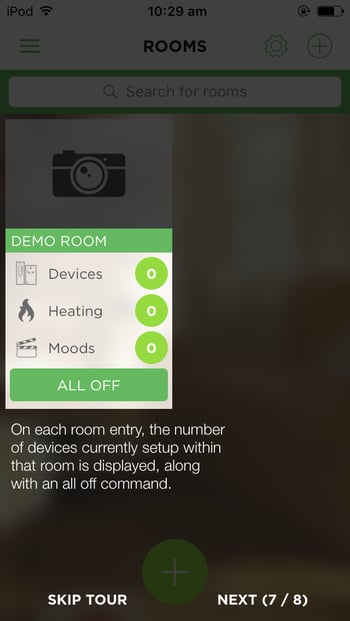
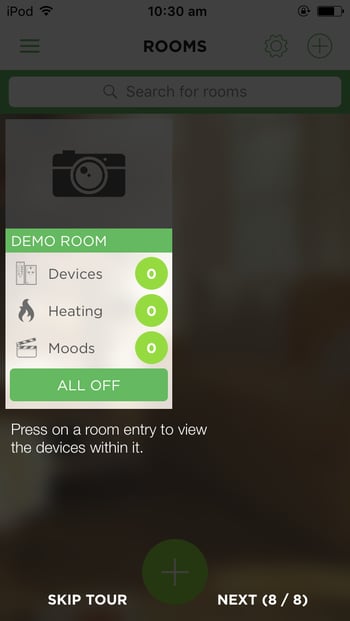
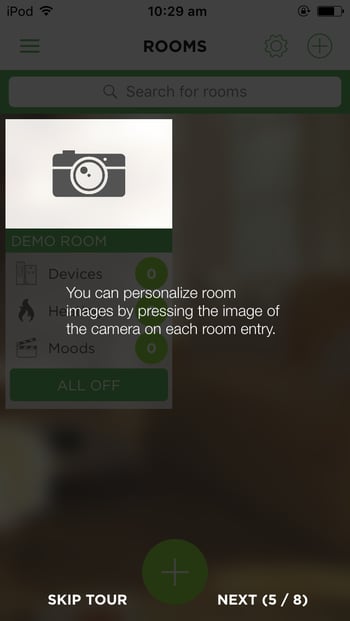
Repeat this process for any additional rooms you would like to add. You can edit, delete and re-order rooms by selecting the '**Edit**' button at the top left.
[](http://lightwaverf.com)
[mailto:email@email.com](mailto:email@email.com)
Copyright © 2025, Lightwave